Verification code not received? Find the channel it uses first
Your code may be in an app, email or phone call. Find its delivery channel, check iPhone and Android filters, and learn when a new number helps.
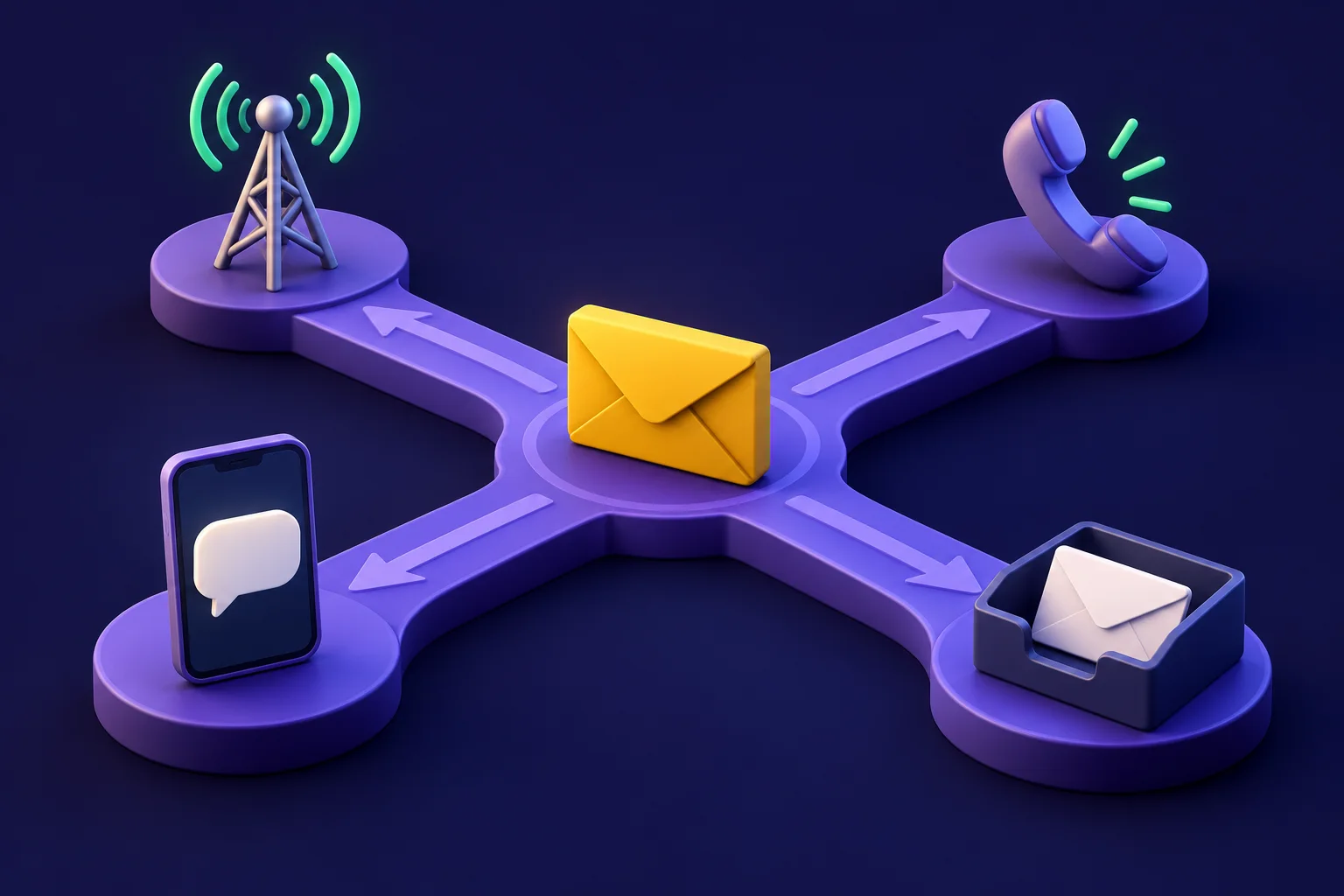
You request a verification code and watch your text messages. Nothing arrives. Before restarting your phone or buying another number, check what the verification screen actually says: was the code sent by SMS?
Google may send a sign-in prompt. Apple may display a code on a trusted device. Telegram may put it in an existing chat. All three document alternatives to SMS. An OTP, or one-time password, describes a code's purpose, not its delivery channel.
Here is how to separate a code sent somewhere else from a hidden text, a delivery failure or a number the app refuses.
Find the delivery channel first
Read the destination on the screen, including any masked phone number or email address. Then check the place it names. These are documented examples, not a menu that every app offers:
| Channel | Official example | Where to look |
|---|---|---|
| SMS | Apple can text a trusted phone number | Messages, including filtered folders |
| Voice call | Apple offers a call to a trusted number | The phone receiving that call |
| Missed call | Telegram documents a method using the caller's final digits | Follow the app's instructions for that method |
| Inside an app or device | Telegram's service chat; Google's sign-in prompt; Apple's trusted-device notification | Devices already signed in |
| Telegram documents delivery to a configured login email | The address shown on the verification screen |
For Telegram, open an already connected phone, tablet or computer. Its FAQ says the login code may arrive in the verified Telegram chat instead of SMS. That is different from its Verification Codes chat, which carries codes for other services. See our Telegram phone-number guide for the account-specific details.
For Google, its troubleshooting page explicitly warns that you may have received a prompt instead of a text. Check the phone already signed in to your Google Account.
For Apple, look for the sign-in notification on a trusted device. Choose Allow for your own sign-in to view the code. If that device is unavailable, Apple's instructions explain how to request a text or call to a trusted number.
A missed call is only a verification method when the app says so. Telegram's technical documentation describes one method where the caller's last digits are the code. Do not treat an unrelated missed call as proof of anything.

Wait for the retry option, then use the right code
There is no single waiting time for every verification service. Follow the countdown or retry instructions on your screen.
Telegram's documentation describes a timeout and a possible next delivery method. In plain English: the next attempt may use a different channel. Read the new screen instead of assuming another SMS is coming.
Google gives another reason to avoid a pile of requests:
"If you requested multiple verification codes, only the newest one works."
That sentence comes directly from Google Account Help. If delayed Google texts arrive together, an older code will not complete the current attempt.
PayPal's US help page says its identity-confirmation code expires after 5–10 minutes. That is an expiry window, not a promise of delivery within that time. Use the available resend or alternative option if it expires.
For WhatsApp-specific registration steps, use our WhatsApp verification guide. Do not apply another app's retry time to WhatsApp.
Verification code not received on iPhone or Android
Once the screen confirms SMS, check whether the text is outside your main inbox.
On iPhone: Apple specifically tells people waiting for its verification text to check Unknown Senders if filtering is enabled. Its current instructions also describe allowing notifications for time-sensitive messages under Settings → Apps → Messages → Unknown Senders → Allow Notifications. Menu names can differ by software version. Checking the filtered messages is the first step; you do not need to disable every protection.
On Android with Google Messages: check Spam & blocked. Google's help page explains that reporting a conversation as spam also blocks its sender and moves it to that folder. It also says detected spam can be dropped. Review whether you previously blocked the relevant sender. These instructions concern Google Messages; another texting app may organize its filters differently.
Finding a code in a filtered folder tells you something concrete: the text reached that app, but your main inbox did not show it. An empty folder does not establish where delivery failed.
An SMS passes through more than your phone
A business text has several places where it can stop. The app may decline the number before sending. Its messaging provider may reject the sender's configuration. The mobile network may filter traffic. Your phone may sort the delivered message into another folder.
CTIA's Messaging Principles and Best Practices, a set of voluntary industry guidelines, describes filtering or blocking unwanted messages before they reach consumers. That confirms a network-level mechanism. It does not diagnose your missing code.

What US 10DLC registration actually affects
A2P means application-to-person messaging. 10DLC means a ten-digit long code: an ordinary-looking phone number used as a business sender.
Twilio's 10DLC documentation explains that applications sending messages over this route to US recipients must register. Registration identifies the business and its messaging campaign. Toll-free senders and short codes use other systems.
Its error 30034 documentation gives a concrete failure: Twilio blocks messages to US numbers from a US 10DLC sender that is not associated with an approved campaign.
You, as the recipient, do not register your personal phone to fix this. The sending business needs to resolve its configuration. Restarting your phone cannot repair that sender-side failure.
The FCC's 2023 robotext order, paragraphs 13–16, adopted network blocking for texts appearing to originate from specified suspicious numbers, including invalid, unallocated or unused numbers. It also addressed reporting erroneous blocking. This is not a blanket instruction to block verification codes. A missing OTP alone is no evidence that the FCC caused it.
What to ask your carrier: Uber and PayPal examples
Uber's rider help page says its verification SMS may take several minutes. If it still does not arrive, your carrier may be blocking the short-code SMS Uber uses. A short code is a short sending number, rather than a full phone number. Uber recommends asking your provider whether this messaging is enabled on your account.
PayPal gives the same carrier-side advice in its US help page. It also tells you to check the number on your account and select the intended destination if several numbers are listed.
Tell support which service failed, the destination number, the time of the request and whether other verification texts arrive. Ask about short-code restrictions where the service documents that route. This gives support a specific delivery problem to investigate.
Receiving a friend's text doesn't rule out a problem with business messaging, either: a friend's message may not travel the same sending route.
Is the number rejected, or is the SMS missing?
An immediate number-type error and an empty inbox are different clues. Twilio's Line Type Intelligence shows how businesses can identify mobile, landline and VoIP lines before sending SMS. VoIP means calling over an internet service. For the mechanism and its limits, read what a non-VoIP number is.
If the app rejects your number, check its accepted-number rules. If the number is accepted but the code is missing, investigate the channel and delivery route. Neither result proves that any replacement number will work.

A shared inbox poses another question: who can read the code? If a website displays incoming texts publicly, anyone viewing that page can see them. Ativa SMS reserves a purchased number only for you while it is active. That addresses concurrent sharing, not an app's eligibility rules or future account recovery.
When a temporary SMS number can help
For a permitted registration that offers SMS, a temporary number may be an option when you need a separate receiving number. It does not guarantee acceptance or fix a code sent inside an app, by email, by voice call or by missed call. Ativa SMS receives SMS only.
Before buying, check the current options and prices, the time limit and the delivery rate when reported. The number is reserved for up to 20 minutes, depending on the option; the actual deadline appears before purchase. A delivery rate is not a promise for your attempt.
If no SMS arrives before expiry, the amount returns to your balance automatically. You can also cancel or change the number for a balance refund; some options require waiting two minutes after purchase. Another SMS can be requested without extra cost while the number remains active, subject to the app's retry rules.
If those limits fit your use, you can create an account. The app may still refuse the number or block the account. Once the code has arrived, a later account block does not qualify for a refund.
When not to use a temporary number
Use a number you can keep for your bank, PayPal and other payment accounts, your main email, and the WhatsApp you use every day. Also avoid temporary numbers for any account you expect to recover later.
When an existing account sends a code to its saved number, buying a different number does not change that destination. Apple's recovery instructions rely on trusted devices and trusted numbers; Google's help offers previously configured backup methods and account recovery. Follow the service's recovery process if your old number is unavailable.
After a temporary number expires, it is released and you cannot get it back through Ativa SMS. Telegram's FAQ warns that keeping its account connected to a number you control matters even when codes arrive inside the app.
Do not use temporary numbers to evade account limits, bans or another service's terms. Ativa SMS prohibits fraud and use that bypasses other services' terms. Read the terms of use before choosing a number.
For a permitted one-time SMS check, compare prices and temporary number limits for WhatsApp, Telegram and Google.
Sources
All accessed on October 4, 2026.
- Google Account Help, Fix common issues with 2-Step Verification: prompts, newest-code rule and recovery options.
- Apple Support, Get a verification code and sign in with two-factor authentication: trusted devices, texts, calls and Unknown Senders.
- Telegram, FAQ: service chats, international number format and continued control of your number.
- Telegram, User Authorization: delivery types, login email, missed calls and timeout behavior.
- Google Messages Help, Report spam in Google Messages: blocking and the Spam & blocked folder.
- Uber Help, I'm not receiving mobile verification texts: delays and short-code restrictions.
- PayPal US Help, I'm not receiving the SMS or text to confirm my identity: destination numbers, short codes and expiry.
- CTIA, Messaging Principles and Best Practices, May 2023: sections 7.1–7.2 on filtering and erroneous blocking.
- FCC, FCC 23-21: Targeting and Eliminating Unlawful Text Messages: paragraphs 13–16 on network blocking; read from the original PDF.
- Twilio Docs, A2P 10DLC, error 30034 and Line Type Intelligence: sender registration and number classification.